- Find Current Bus Route Schedules through June 13 and Plan Trips after June 14 Read More
MyDART Tools
At DART, we want to make riding the bus easy for you. Our tools help you check the bus times, plan trips and get updates.

Plan How You'll Get from A to B
Trip Planner and Next Bus
The Trip Planner lets you find the best way to get to where you want to go. Switch to the Next Bus tab to see when your bus will arrive at the bus stop. Both tools can be used on your computer or phone.
Plan Your TripUse Trip Planner and Next Bus to:
- Plan a trip from one place to another using addresses or landmarks.
- Find schedules by route or bus stop.
- See the arrival time of the next bus to know if it is running on time.
- Find locations for bus stops by places like schools, hospitals and stores.

All in One Tool for Riding the Bus
MyDART® App
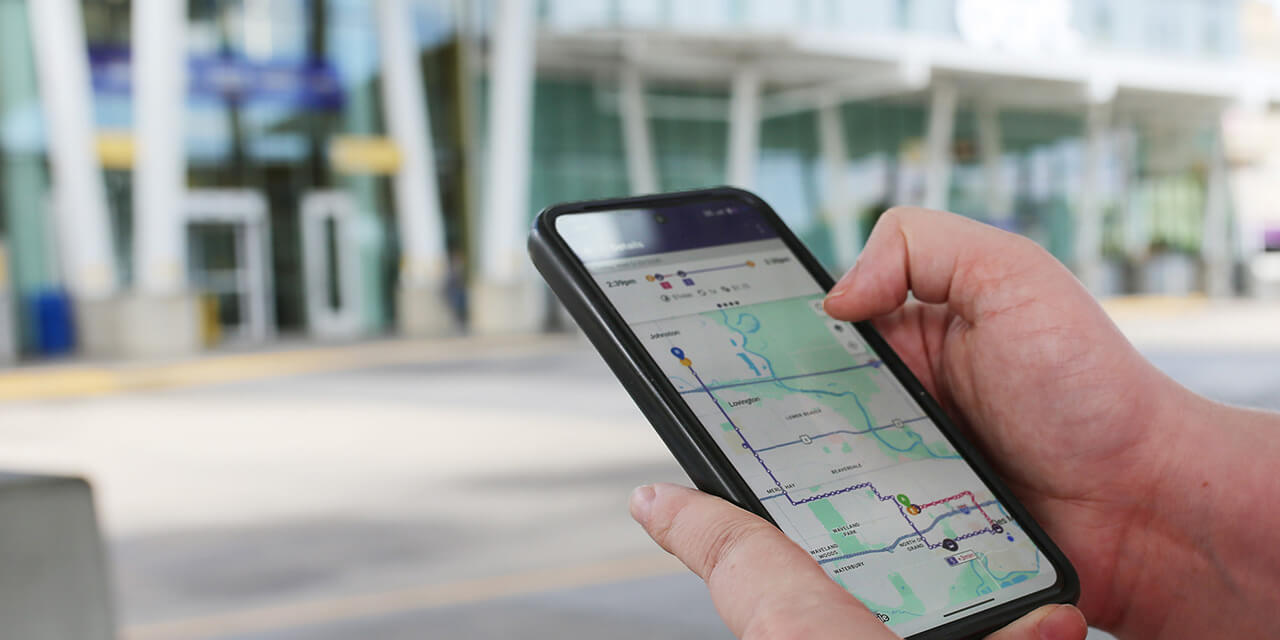
The MyDART app lets you buy passes, plan trips and see when the next bus will come -- all on your phone!


Use the MyDART® App to:
- Plan a trip and see bus times.
- Buy bus passes.
- Save your favorite bus stops and bus trips.
- See all bus stops and routes on a map.
- Buy day, week, or month bus passes that start when you choose.
Have questions about using the app? Learn More

Know When the Next Bus is Coming
Text Message Updates
MyDART Text sends information on when the next bus will arrive at any bus stop. It shares real-time information.
How to use it:
- Open a new text message to send to 515515
- In the message, type the Stop ID number found on the sign at your bus stop
- For example, text 0000 to the number 515515
- Hit SEND

Stay Informed
Phone Call Updates
Call in to hear bus times by phone. You will hear real-time bus information.
How to use it:
- Call 515-283-8100
- Press Option 1

Stay Informed
Email Alerts
Get emails about service changes, news and special offers. You can choose the routes you ride most.
Sign Up for Email AlertsAfter you sign up, be sure to:
- Check your email for a confirmation.
- Click the link in the email to confirm.
- Then you will get occasional updates.